Designed for your Home Screen. Built for effortless memory.
Warm, aesthetic widgets that make your iPhone Home Screen feel productive.
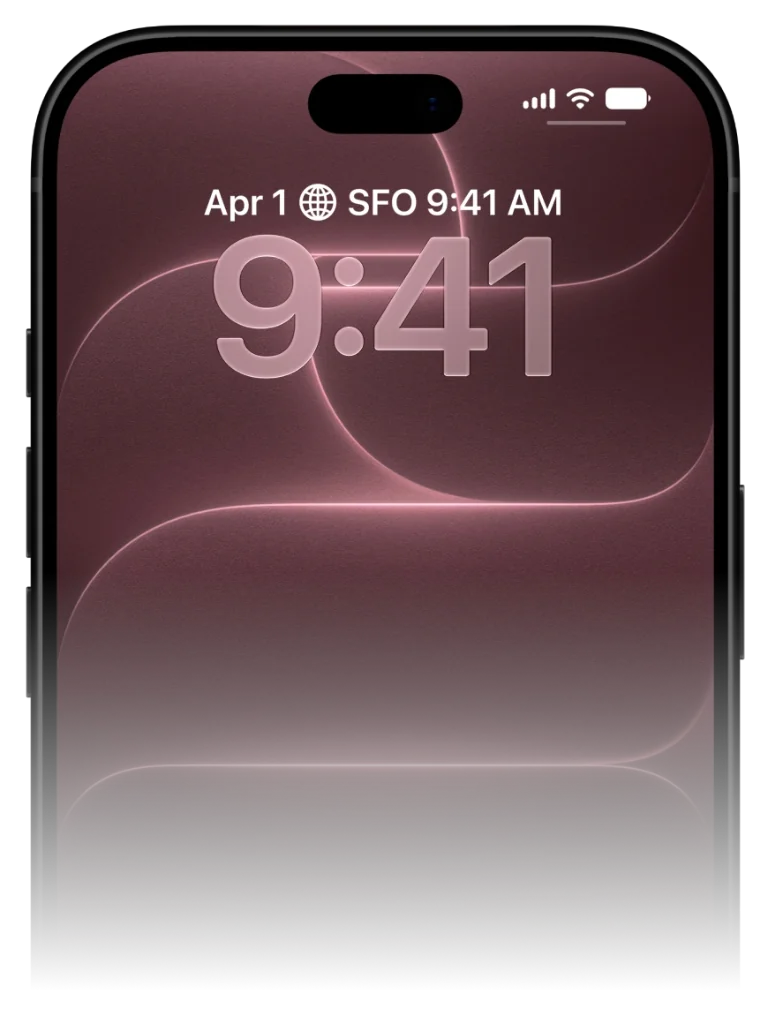
Complement your app layout with beautiful Home Screen vocabulary cards. VocabPin offers System Small and System Medium widgets designed with iOS typography, soft color accents, and rich language detail.
Crafted for pure glanceable learning
No 30-minute daily cram sessions. No broken streaks. Just effortless exposure right where your eyes already land.
Pick your pair & level
Learn between 16 languages in any mutual combination. Choose your exact CEFR level from A1 beginner to C1, JLPT, or HSK.
Authentic human voice audio
Studio 24kHz pronunciation recorded by real native speakers. Click any voice below to hear natural cadence and tone.
Pin to screen & glance to learn
Pin minimal widgets to your Lock Screen or Home Screen. Unlock 80+ times a day for effortless passive reinforcement.
Pick your pair & level
Learn between 16 languages in any mutual combination. Choose your exact CEFR level from A1 beginner to C1, JLPT, or HSK.
Elevate your Home Screen aesthetic
Learning utility meets modern iOS industrial design.
Most educational widgets look like garish children's games with neon greens and cartoon owls that clash with your curated Home Screen layout.
VocabPin is designed for users who care about aesthetic harmony. Clean rounded corners, Apple SF Pro Rounded typography, subtle category tags, and soothing neutral tones ensure your Home Screen looks refined and mature.
Medium widget: The complete vocabulary snapshot
Two-panel symmetry inspired by modern note-taking apps.
The System Medium widget splits into two elegant panels. The left side showcases the word in your target language with phonetic reading support and level badge. The right side shows your native language translation alongside the topic category.
It gives you the full context of a flashcard without ever having to touch or open an app.
Set up on your iPhone in under 30 seconds
Works natively across iOS 17 to iOS 27 with zero complicated setup.
Long-press your screen
Touch and hold your Lock Screen or Home Screen until the edit jiggle mode or 'Customize' prompt appears.
Select VocabPin
Tap the widget tray under the clock (Lock Screen) or tap the '+' in the top corner (Home Screen), then find VocabPin.
Choose Level & Language
Pick your target language and refresh interval (e.g. every 4 hours or daily). Tap Done. Words now rotate automatically.
Supported Languages for this Widget
Every language includes authentic typography, native audio pronunciation, and curated CEFR/JLPT/HSK levels.
Frequently Asked Questions
In-Depth Guides & Science
The 7 Best Vocabulary Widget Apps for iPhone in 2026
An in-depth, hands-on comparison of the best iOS vocabulary widget apps. We test widget refresh reliability, battery efficiency, design aesthetics, and audio capabilities.
How to Learn New Words Without Doing Traditional Flashcards
Why traditional flashcard drilling causes burnout, and how modern ambient systems, comprehensible input, and micro-retrieval offer a calmer path to fluency.
Should You Learn Single Words or Full Phrases First?
Should language learners focus on isolated vocabulary words or complete conversational phrases? We explore the linguistic evidence for both and how to combine them.