Turn your Lock Screen into continuous vocabulary practice.
Glance at your screen. Learn a word. Zero taps required.
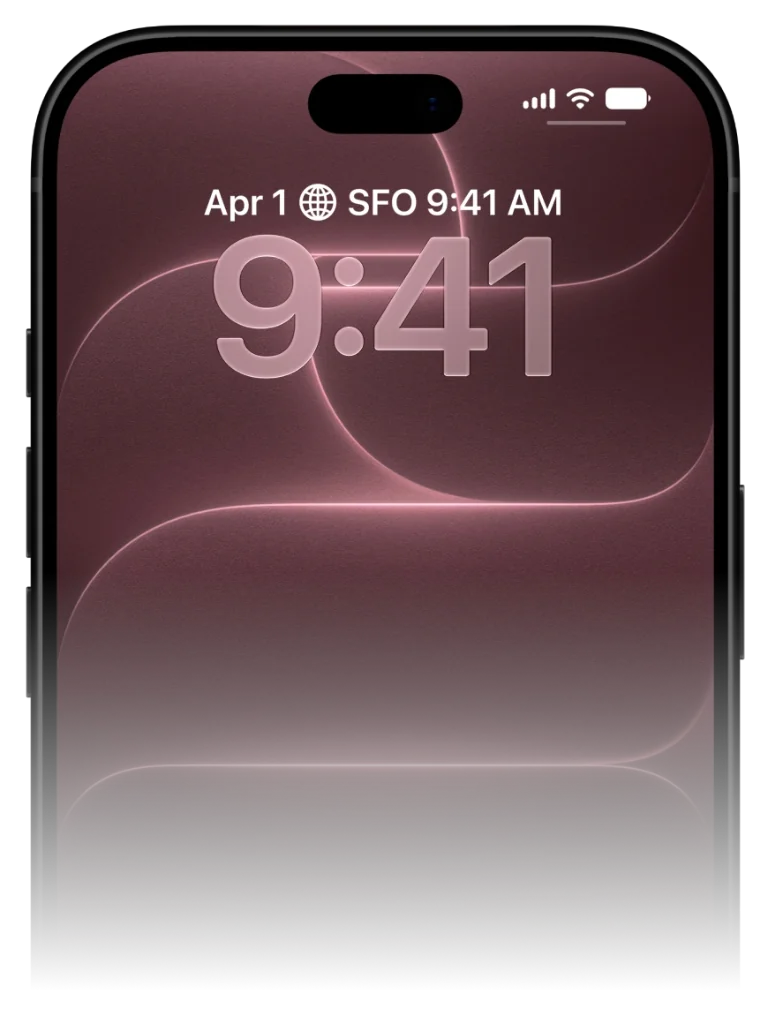
Your Lock Screen is the most frequently viewed screen in your entire life. VocabPin transforms this prime real estate into a passive vocabulary generator that works every time your screen illuminates.
Crafted for pure glanceable learning
No 30-minute daily cram sessions. No broken streaks. Just effortless exposure right where your eyes already land.
Pick your pair & level
Learn between 16 languages in any mutual combination. Choose your exact CEFR level from A1 beginner to C1, JLPT, or HSK.
Authentic human voice audio
Studio 24kHz pronunciation recorded by real native speakers. Click any voice below to hear natural cadence and tone.
Pin to screen & glance to learn
Pin minimal widgets to your Lock Screen or Home Screen. Unlock 80+ times a day for effortless passive reinforcement.
Pick your pair & level
Learn between 16 languages in any mutual combination. Choose your exact CEFR level from A1 beginner to C1, JLPT, or HSK.
The science of Lock Screen micro-retrieval
How ambient environmental cues stimulate cognitive priming.
Cognitive psychology identifies 'priming' as a phenomenon where subtle exposure to a stimulus influences subsequent retrieval without conscious effort.
When foreign vocabulary is pinned below your Lock Screen clock, your brain registers the word shape, spelling, and translation dozens of times each day.
By the time you encounter the word in conversation or reading, it already feels familiar and easily accessible.
Step-by-step: Setting up your Lock Screen widget in 30 seconds
Simple iOS configuration for instant daily practice.
1. Touch and hold your iPhone Lock Screen until the 'Customize' button appears.
2. Tap 'Customize', then select your Lock Screen.
3. Tap the rectangular widget box directly below the time clock.
4. Scroll down your widget list, select VocabPin, and choose the 'Accessory Rectangular' widget.
5. Tap 'Done' in the upper right. Your Lock Screen is now your personal vocabulary companion.
Set up on your iPhone in under 30 seconds
Works natively across iOS 17 to iOS 27 with zero complicated setup.
Long-press your screen
Touch and hold your Lock Screen or Home Screen until the edit jiggle mode or 'Customize' prompt appears.
Select VocabPin
Tap the widget tray under the clock (Lock Screen) or tap the '+' in the top corner (Home Screen), then find VocabPin.
Choose Level & Language
Pick your target language and refresh interval (e.g. every 4 hours or daily). Tap Done. Words now rotate automatically.
Supported Languages for this Widget
Every language includes authentic typography, native audio pronunciation, and curated CEFR/JLPT/HSK levels.
Frequently Asked Questions
In-Depth Guides & Science
How to Put Vocabulary on Your iPhone Lock Screen (Step-by-Step)
Turn your iPhone into a passive language coach. Here is the complete visual tutorial for adding and configuring vocabulary widgets on your iOS Lock Screen in under 60 seconds.
How Often Do iPhone Widgets Update? iOS Timeline Explained
Ever wondered why some iOS widgets freeze while others update smoothly? Dive into Apple's WidgetKit architecture, timeline budgets, and how VocabPin ensures reliable offline rotation.
How to Learn Vocabulary Passively: The Science of Ambient Exposure
Discover the cognitive psychology behind passive language acquisition. Learn why seeing a foreign word 80 times a day on your iPhone Lock Screen builds stronger recall than grueling 30-minute flashcard sessions.